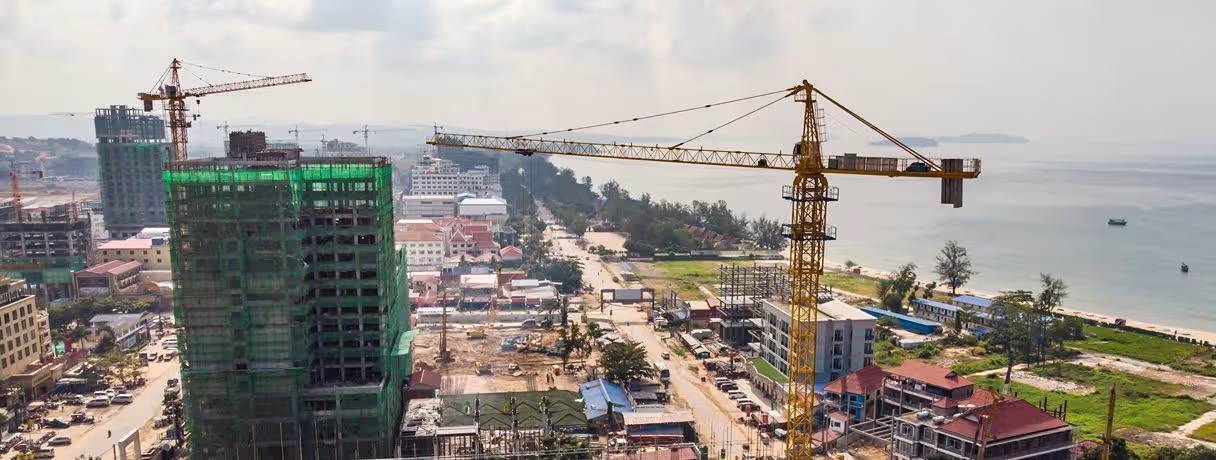



Why AI Matters in Preconstruction
A project can begin drifting off budget long before construction starts.
That is especially clear on large infrastructure work. Peer-reviewed research published in the Journal of the American Planning Association found that the vast majority of large infrastructure projects run over budget, with average overruns of 28 percent.
By the time those overruns become obvious in the field, many of the assumptions behind them may have been made months earlier.
Preconstruction is where teams try to catch those problems sooner. Scope, estimating, scheduling, design, risk, procurement, and permitting all come together here, often while the information itself is still changing.
AI gives teams another way to work through that volume. It can process drawings, documents, historical information, and other project data much faster than a person could review the same material manually. Used well, it gives estimators and preconstruction teams more time to examine the output and decide what needs attention.
That is the broader role of AI in the preconstruction phase. The technology is less useful as a replacement for judgment than as a way to get through repetitive analysis sooner.
What is the Preconstruction Phase?
The preconstruction phase covers the work that happens before construction begins. This is when teams determine what the project involves, how much it may cost, how it can be built, what could delay it, and what needs to happen before crews mobilize.
Typical work includes the following:
- Scope definition, budgeting, scheduling, and risk assessment
- Reviewing whether the project is feasible before major commitments are made
- Developing the design and coordinating input from different stakeholders
- Planning procurement, permitting, and site logistics
- Identifying cost, schedule, and construction risks early enough to respond to them
A strong preconstruction process does not guarantee that a job will never change. It gives the team a much better picture of what they are committing to before the work starts.
That is also where AI in preconstruction can be useful. More information can be reviewed earlier, particularly in areas such as estimating, takeoff, documentation, and feasibility analysis.
Key Activities in the Pre-Construction Phase
The pre-construction phase brings together all the essential groundwork needed to set a project up for success. Here’s what typically happens during this stage:
- Project Definition: Start by clearly defining the project’s scope, objectives, and desired outcomes - setting realistic expectations from day one.
- Site Evaluation: Assess the site’s current conditions, including plumbing, electrical, and HVAC systems, to spot potential challenges early.
- Design Development: Collaborate with architects and engineers to fine-tune the design so it’s both practical and cost-efficient.
- Budgeting & Cost Estimating: Build a detailed estimate that accounts for materials, labor, equipment, and contingencies to stay within budget.
- Scheduling: Create a master timeline and logistics plan that maps out every construction activity to ensure smooth progress and timely completion.
- Risk Assessment: Identify possible risks - from site conditions to supply delays - and outline proactive strategies to minimize their impact.
- Permitting: Obtain all required permits and approvals from local authorities to keep the project compliant.
- Procurement: Plan how materials, equipment, and services will be sourced, including evaluating contractors and suppliers for reliability and cost-effectiveness.
- Team Alignment: Bring all stakeholders - owners, architects, and general contractors - onto the same page to ensure everyone shares the same goals and expectations.
Together, these steps create a strong roadmap for execution, minimizing surprises once construction begins. It helps to run these activities through a proven 5-step preconstruction framework.

Role of AI in Preconstruction
Enhanced Planning and Feasibility Studies
A feasibility study can require information from several places before the team knows whether a project makes sense.
Site conditions are one piece. Local market conditions, expected costs, and financial projections may also affect the decision. Pulling that information together manually can take time, particularly on larger developments.
AI tools can process large datasets and surface useful patterns earlier in the process.
Consider a firm evaluating a new commercial complex. An AI-supported feasibility workflow could bring together site information, market trends, and financial projections to help the team assess whether the project is viable. The final decision still belongs to the people responsible for the project, but they can reach that decision with more information already organized for review.
Automating Takeoff Processes
Takeoff is one of the clearest examples of repetitive preconstruction work.
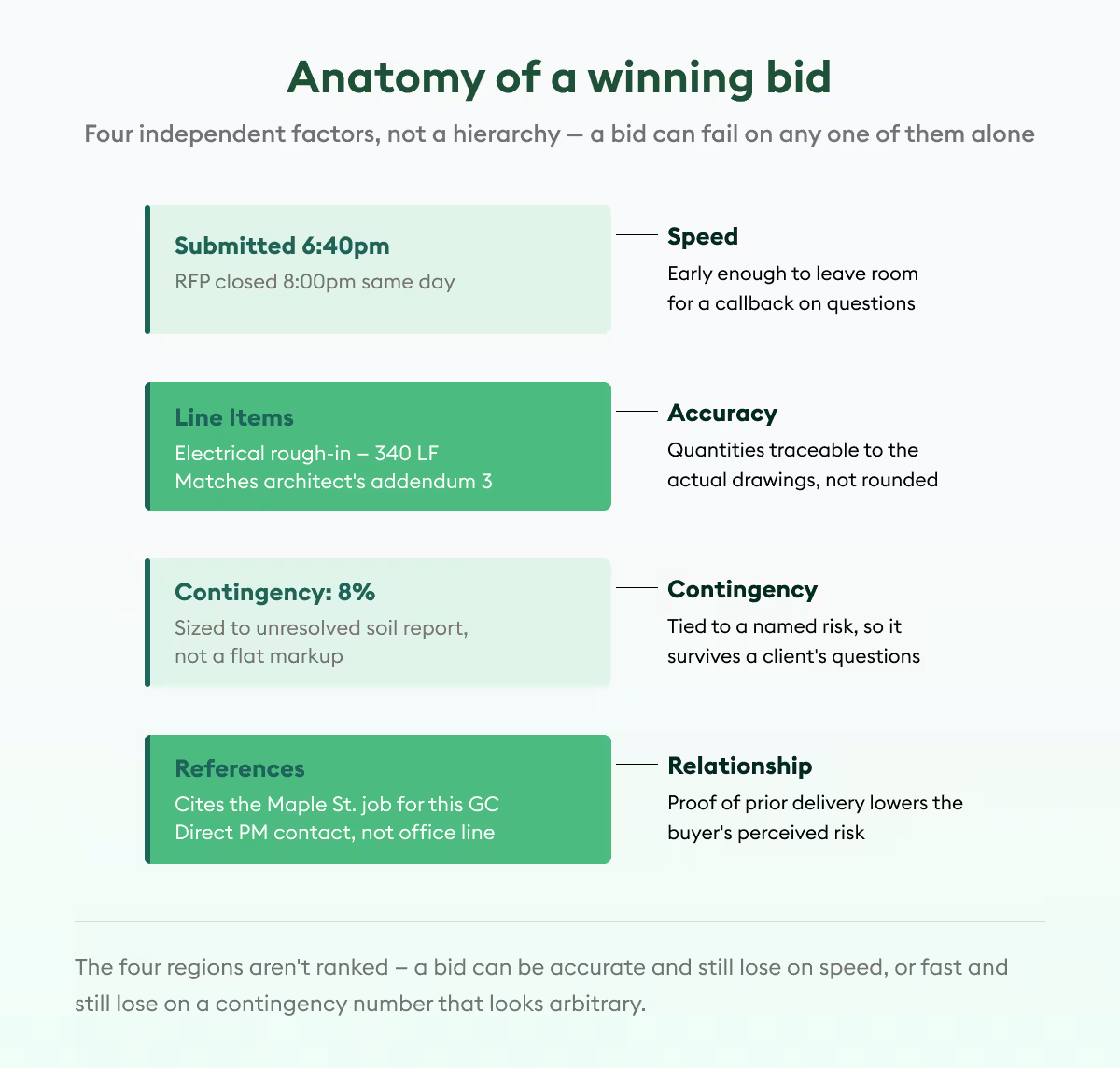
Someone has to open the drawings, find the relevant scope, measure it, count it, and organize the quantities before estimating can move forward. On a large commercial project, this can consume a substantial part of the bid window.
Tools such as Beam AI automate material quantification from uploaded plan sets.
Beam AI supports two workflows. Teams that want to stay hands-on can run instant AI takeoffs on the platform. Teams that would rather hand the work off can use its done-for-you option, where Beam AI delivers QA-reviewed takeoffs within 24 to 72 hours.
The point is not simply to create quantities faster. It is to move estimator time away from repetitive measurement and toward checking scope, pricing the work, and reviewing the bid.
Optimizing Design Development
Design development involves a lot of iteration.
One option may work structurally but perform poorly against energy goals. Another may meet sustainability targets and come in over budget. A third may solve one issue while creating another somewhere else in the design.
Generative design and AI-powered BIM (Building Information Modeling) can help teams explore more possibilities before settling on a direction.
An AI-enabled generative design tool, for example, can create many alternatives around defined criteria such as sunlight exposure, energy efficiency, structural integrity, sustainability, or cost. Architects and engineers can then examine the more promising options rather than developing every alternative manually.
The technology expands the search. It does not make the design decision on its own.
Streamlining Construction Documentation
Construction teams work with a huge amount of written and graphical information before a project starts.
Specifications may contain requirements that do not stand out on the drawings. Contracts contain another set of obligations. Scope information can be spread across documents that were produced at different stages of design.
Manual extraction is slow, and important details can be missed when people are working through hundreds of pages under deadline pressure.
AI can help pull information from drawings, specifications, and contracts into a more usable form.
One application would be generating an initial project scope document from the available drawings and specifications. Rather than asking someone to assemble every requirement from scratch, the team gets a first pass that can be checked against the source documents.
Automating Contract Review
A subcontract can be dozens of pages long while the clause that creates trouble later may take up only a few lines.
Contract review is therefore another area where AI can help with the first pass.
AI-powered contract tools can scan documents for items such as insurance requirements, indemnification language, payment terms, and other risk indicators. Anything unusual or missing can be surfaced for a person to examine more closely.
Imagine a general contractor reviewing a subcontract for a multi-phase project. If the agreement is missing an insurance certification requirement, an AI review tool could flag that section before execution.
The team still needs legal and commercial judgment. The advantage is having another way to find the clauses that deserve it.
Smarter Bidding and Negotiation
Bidding involves more than arriving at a final number.
Owners may be comparing contractors on cost, schedule, qualifications, and previous performance. Contractors, meanwhile, need quantities they trust before they can price competitively.
AI can support both sides of that process.
Project owners can use AI-assisted analysis to compare bids across multiple criteria rather than looking at price alone. Contractors can use more accurate takeoff information to prepare their own bids with a clearer understanding of scope.
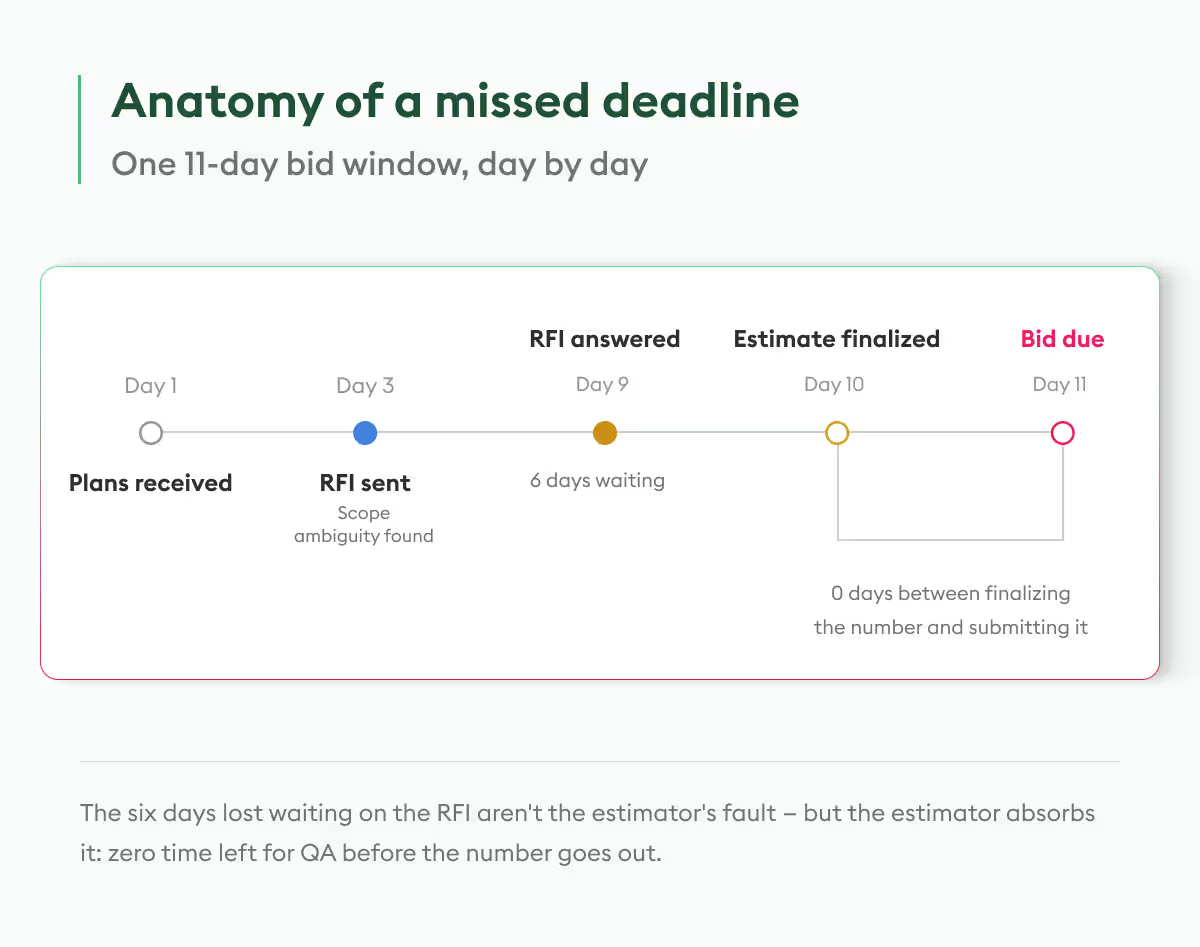
For instance, Beam AI produces high-accuracy takeoffs that contractors can use as the quantity basis for pricing. When less time is tied up in manual measurement, estimating teams also have more room to review the bid before it goes out.
Efficient Permitting and Approvals
Permitting can hold up a project even when the rest of preconstruction is ready to move.
The process often involves checking documents against regulatory requirements, correcting missing information, coordinating submissions, and waiting for approval from more than one agency.
AI tools can assist by reviewing documents for compliance issues, identifying missing information, and helping teams estimate approval timelines.
For a large commercial development dealing with several government agencies, that kind of early screening can be useful before documents are formally submitted.
An AI system, for example, may flag a compliance issue while the package is still being prepared. The team can correct it then rather than discovering it after the review cycle has already started.
Limitations of AI in Preconstruction
AI can process a lot of information very quickly. It can still get something wrong.
A non-standard symbol on a drawing may be interpreted incorrectly. A custom architectural detail may not behave like anything the system has seen before. Poor input data can also produce poor output, no matter how capable the model is.
Two limitations matter particularly in preconstruction:
- Human Oversight: Estimators, project managers, designers, and other specialists still need to review AI-generated quantities, recommendations, and flagged issues before using them for a bid or project decision.
- Data Quality: Clear plan sets, defined scope, and reliable historical data give AI a better basis to work from. Incomplete or inconsistent information makes the output less dependable.
AI can shorten the first pass. Accountability for the final decision still sits with the project team.
Practical Tips for Implementing AI in Preconstruction Phase
Introducing AI across an entire preconstruction department at once can make it harder to tell whether the tool is actually helping.
Start Small
Choose one workflow where the existing pain is obvious.
Takeoff is a good example. So is feasibility research. Run a pilot on a manageable project, compare it with the current process, and see where the tool saves time or creates extra work.
The team gets a chance to understand what the technology does well without tying a major project to an unfamiliar workflow.
Preconstruction leaders are increasingly taking a similar pilot-first approach. The key takeaways from Advancing Preconstruction 2026 reflected strong interest in testing AI through smaller initial use cases before expanding adoption.
Invest in Training
A useful AI tool can still fail if nobody knows when to trust it, when to question it, or how to use it properly.
Training should cover more than which buttons to click. Teams need to understand what the system is producing, what inputs affect the output, and where human review is still required.
Collaborate with Experts
The vendor's support team can be useful after implementation begins.
Real projects often expose workflow questions that do not come up during a sales demo. Working through those cases with the provider can help teams refine the setup or adapt the software to how they already operate.
Integrate with Existing Systems
Another standalone tool can create more work if information has to be entered twice.
Before implementation, look at the existing technology stack and trace where the AI output needs to go next. Compatibility with estimating, BIM, project management, and other systems can have a large effect on whether the workflow actually saves time.
Monitor Progress
Do not judge an AI rollout by whether the software is being used.
Look at what changed.
Time saved is one useful measure. Output accuracy is another. Teams can also track turnaround, project volume, review time, and overall efficiency depending on the workflow being automated.
Those numbers make it easier to see whether an initial pilot deserves to expand.
Why the Pre-Construction Phase Is Important
Construction becomes much more expensive once problems have moved from the drawing set to the field.
Preconstruction gives teams an earlier opportunity to work through those problems.
- Foundation for Success: Scope, design, cost, schedule, and logistics are developed before crews are expected to execute them.
- Risk Mitigation: Site constraints, material availability, design issues, and other project risks can be identified while alternatives are still available.
- Cost and Time Savings: Better budgeting, scheduling, and resource planning reduce the chance that preventable issues eat into the project later.
- Clarity and Alignment: Owners, designers, contractors, and other stakeholders can resolve differences in expectations before they become field conflicts.
The value of the preconstruction phase is not that it removes uncertainty. It gives the project team more opportunities to find uncertainty early enough to do something about it.
Final Words
AI is becoming part of more preconstruction workflows, but its usefulness varies by the job it is being asked to do.
It can read a drawing set faster than an estimator can measure it manually. It can scan a contract for clauses that deserve another look. It can organize information for a feasibility review or help find compliance issues in permitting documents.
Those are practical advantages when the output still passes through people who understand the project.
For contractors, that combination is where AI in preconstruction becomes most useful: less time spent working through repetitive information and more time available for the decisions that will shape the job once construction begins.